


Classroom Projector Options Explained: Types of Projectors for Schools
Choosing the right classroom projector is no longer just about brightness and price. With today’s diverse teaching spaces—from traditional classrooms to STEM labs and collaborative learning areas—schools need to understand the different classroom projector types available and how each supports learning outcomes.
Throw Types
Long-throw projectors are designed for very large spaces where the projector must be positioned far from the screen. These education projector types are typically used in school halls, gymnasiums, auditoriums, and multipurpose spaces, where large, bright images are required for assemblies, performances, and presentations. They are not generally used in standard classrooms but play an important role in whole-school environments.
Standard-throw projectors are the most traditional school projector option. Installed several feet from the screen or wall, they are well suited to larger classrooms, multipurpose rooms, and rooms where an ultra short is not suitable on the wall. They offer flexible image sizes and are often a cost-effective solution for general teaching environment on a tight budget.
Learn more: Standard-throw projectors
Short-throw projectors are installed much closer to the screen, helping to reduce shadows and glare. This makes them a practical choice for classrooms where teachers work directly at the board and where space is limited. Many modern short-throw models are also available as interactive projectors, enabling touch and pen-based collaboration. However, short-throw projectors are becoming less common, as they are increasingly replaced by ultra-short-throw solutions that offer greater flexibility.
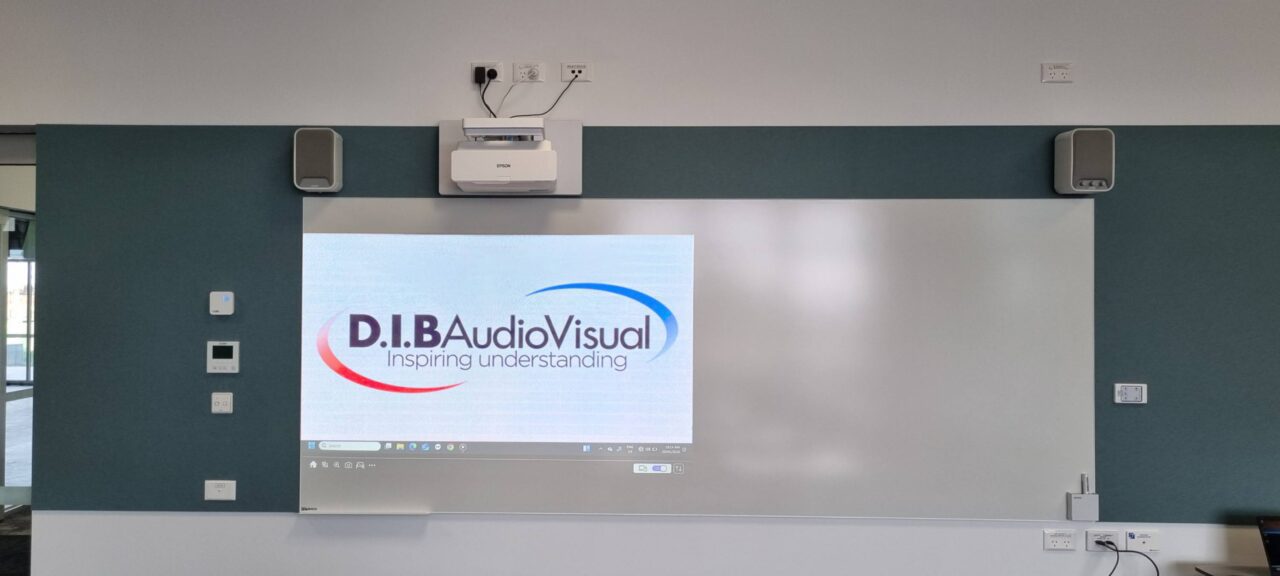
Ultra-short-throw projectors sit just centimetres from the wall or board, virtually eliminating shadows altogether. These are among the most popular projector options for schools today, particularly in classrooms prioritising whiteboard space and flexible learning spaces. Ultra-short-throw models are also commonly offered as interactive projectors, turning a projected surface into a collaborative digital workspace.
Interactivity
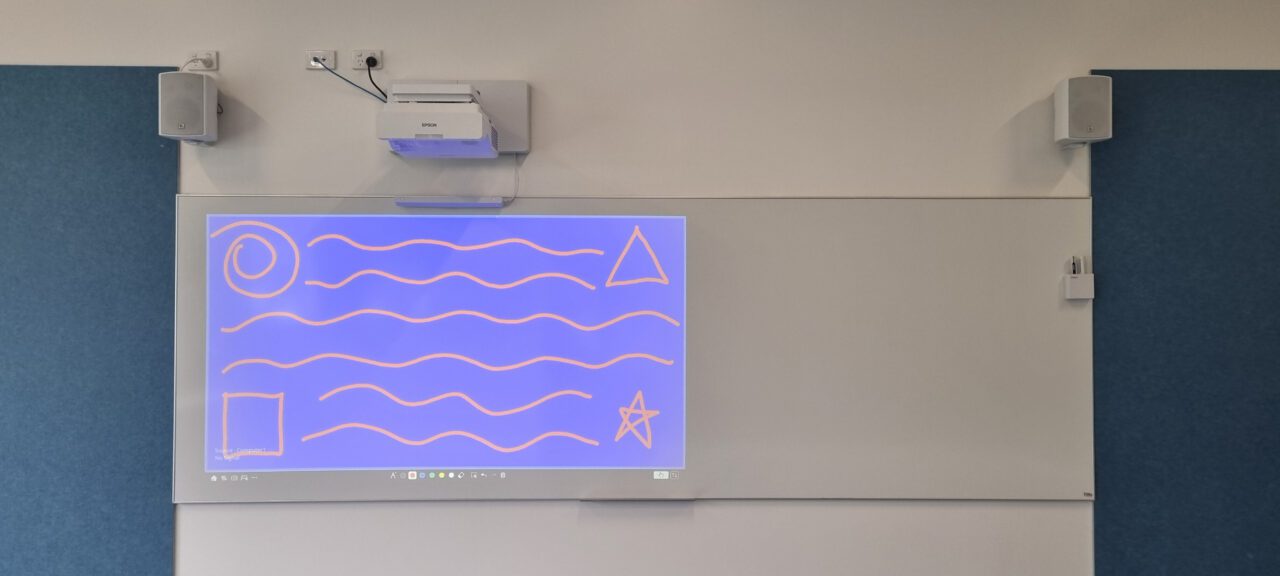
Interactive projectors add touch and pen-based interactivity, turning a projected surface into a collaborative workspace. They are widely used in classrooms that prioritise student engagement, group problem-solving, and digital annotation without relying solely on traditional whiteboards.
Optical Engine Technology
In addition to throw distance, schools should also consider the projector’s optical engine technology, which affects image quality and long-term performance. 3LCD projectors use three separate LCD panels—one for each primary colour—to produce bright, vivid images with strong colour brightness. This typically delivers higher colour brightness and more vibrant, natural-looking images, which can improve visibility in well-lit classrooms and reduce the need to dim lights during lessons.. DLP projectors use a micro-mirror chip to reflect light, offering stable colour performance and consistent image quality over time. Both technologies are widely used in education, with the right choice depending on classroom lighting conditions, colour requirements, and maintenance expectations.

Light Source Technology
Beyond optics, light source technology is another key consideration. Lamp-based and laser projectors differ in brightness, longevity, maintenance cycles, and long-term operating costs—factors that directly affect IT and business managers.
Understanding these projector options for schools helps decision-makers align technology with teaching needs, room design, and long-term budgets—ensuring every classroom is equipped for effective, reliable visual learning.