

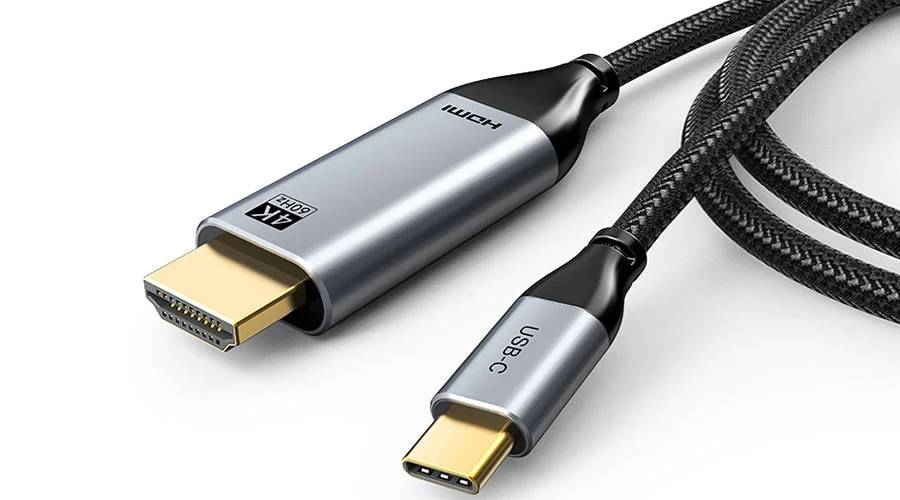
HDMI vs USB-C: What’s the Difference?
When connecting a laptop, projector, display or other AV equipment, HDMI and USB-C are two of the most common connection options. While both can carry video and audio, they are designed for different purposes.
For schools and workplaces, understanding the difference can help when selecting AV equipment and planning classroom or meeting room connectivity.
What Is HDMI?
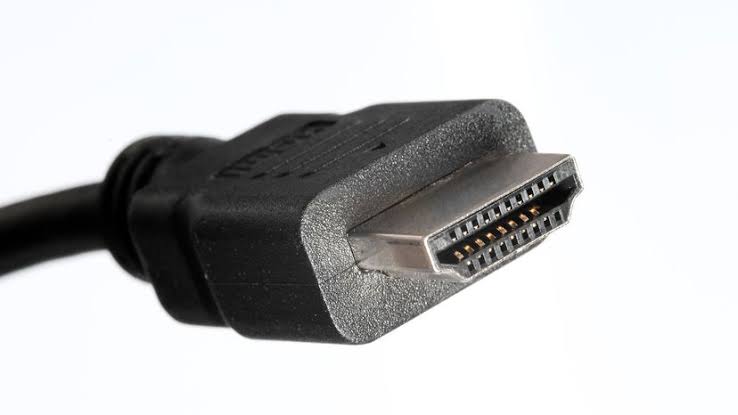
HDMI (High-Definition Multimedia Interface) is designed primarily to transmit digital video and audio between devices. It is widely used with:
- Projectors
- Interactive displays
- TVs and commercial displays
- Laptops and computers
- AV switchers and distribution equipment
HDMI carries both video and audio through a single cable, making it a straightforward choice for connecting a source device to an AV system.
The capabilities of an HDMI connection depend on the HDMI specification and the equipment being used, including the supported resolution and refresh rate.
What Is USB-C?
USB-C is a versatile connector that can support different functions depending on the device. A USB-C connection may carry:
- Data
- Power
- Video
- Audio
This makes USB-C increasingly common on modern laptops, tablets and other devices.
However, not every USB-C port supports video output. Compatible devices may use technologies such as DisplayPort Alt Mode to transmit video through USB-C.
This means it is important to check the manufacturer’s specifications rather than assuming every USB-C port can connect to a display.
HDMI vs USB-C: What’s the Difference?
The simplest way to think about it is:
| HDMI | USB-C | |
| Primary purpose | Audio and video | Data, power and potentially audio/video |
| Video support | Yes | Depends on the device |
| Power delivery | No | Yes, where supported |
| Data transfer | No | Yes |
| Common AV use | Projectors and displays | Laptops and modern devices |
| Connector | Dedicated AV connector | Versatile, reversible connector |
USB-C does not automatically provide better video performance than HDMI. Its capabilities depend on the device, cable and technology being used.
Can USB-C Connect to HDMI?
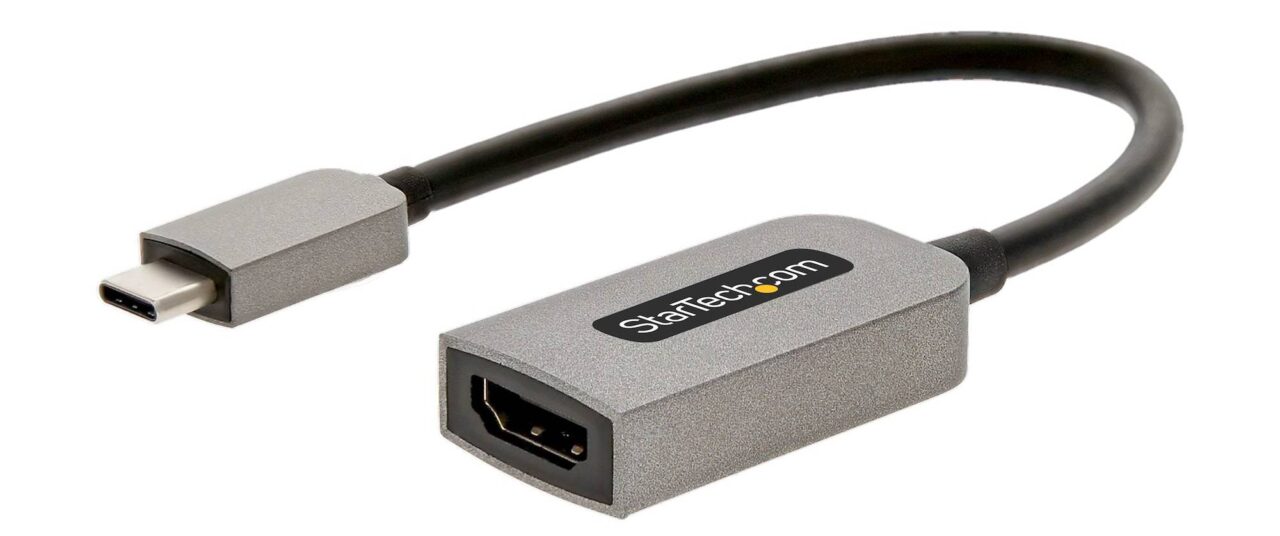
Yes. A compatible USB-C device can connect to an HDMI projector or display using a suitable adapter or cable.
For example:
Laptop USB-C → USB-C-to-HDMI adapter → HDMI → Projector
The important point is that the laptop’s USB-C port must support video output. An adapter cannot add video functionality that the device does not provide.
Which Should Schools and Offices Use?
There isn’t one connection that is best for every situation.
HDMI remains a practical choice for fixed AV equipment such as projectors, displays and AV switchers, particularly where HDMI is already part of the room’s infrastructure.
USB-C can provide convenient connectivity for newer laptops, particularly where users need to connect modern devices with fewer traditional ports. In some setups, a single USB-C connection can also provide power and data alongside video.
When planning a classroom or meeting room, consider:
- What devices users will connect
- Whether USB-C ports support video
- Required resolution and refresh rate
- Existing AV equipment
- How simple the connection needs to be for staff and students
The Bottom Line
HDMI and USB-C aren’t direct replacements for one another. HDMI is primarily an audio and video connection, while USB-C is a multifunctional connector that can also carry video when supported.
For schools and workplaces, the best approach is often to consider how both connections can work within an AV system to provide flexible, reliable and easy-to-use connectivity.
D.I.B Audio Visual can help schools and workplaces plan AV connectivity around the devices their staff and students actually use. Contact our team at info@dibaustralia.com.au or 03 9457 4800 to discuss your classroom, meeting room or presentation space.