

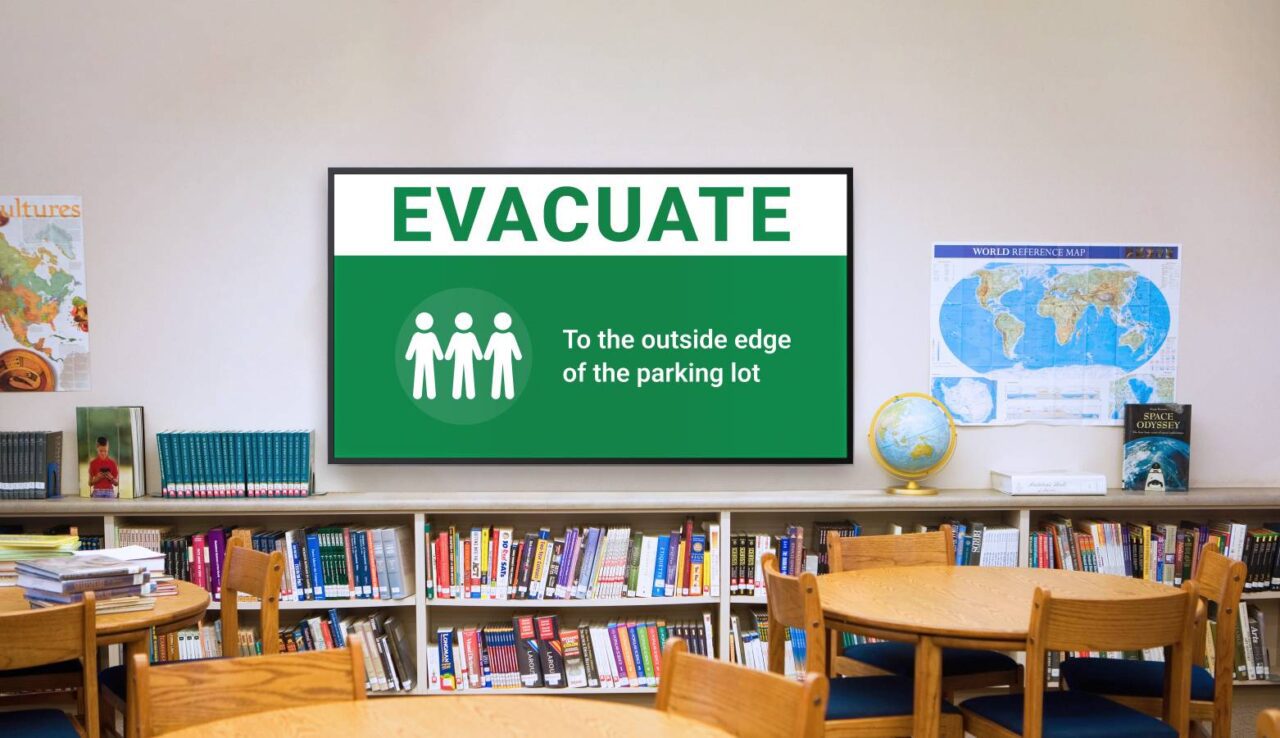
How Vivi Emergency Alerts Strengthen School Emergency Communication Beyond the PA System
Every school has emergency procedures in place, whether it’s for an evacuation, lockdown, or another critical incident. Staff participate in drills, emergency plans are reviewed, and communication protocols are established well before they’re ever needed.
When an emergency occurs, however, even the best emergency procedures rely on one critical factor: communicating clear instructions to the right people as quickly as possible.
For many schools, that communication has traditionally relied on a public address (PA) system. While PA announcements remain an essential part of emergency response, they may not always be enough on their own. Background noise, outdoor learning areas, specialist classrooms or staff focused on students can make it difficult for announcements to be heard or fully understood.
That’s why more schools are looking to visual emergency alerts as an additional layer of communication. Rather than replacing existing emergency procedures or communication systems, visual alerts reinforce them by ensuring critical information is both seen and heard when it matters most.
What Is Vivi Emergency Alerts?
Vivi Emergency Alerts is a visual notification solution that displays emergency messages across connected classroom displays, interactive panels, TVs and digital signage throughout a school.
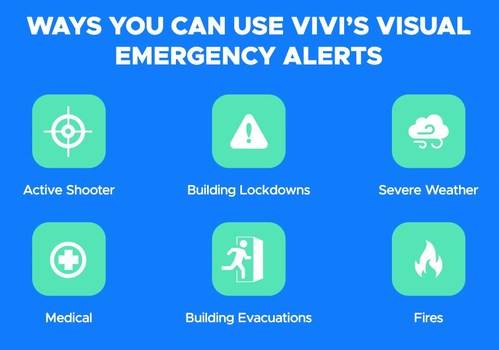
When an authorised user activates an emergency alert, Vivi overrides the content currently being displayed and presents clear, consistent instructions to staff, students and visitors. Alerts can also integrate with existing emergency management platforms through APIs, allowing schools to extend the reach of their current systems rather than replace them.
Instead of relying on a single communication method, schools can combine audio announcements with visual messaging to help ensure important instructions are both seen and heard. Presenting information in multiple formats can also support accessibility, particularly for occupants who may not clearly hear an audio announcement.
Why Integration Matters
Every school’s technology environment is different.
Some schools operate a traditional PA system. Others have dedicated lockdown or evacuation controls, security platforms, AV control systems or campus-wide digital signage. Rather than operating in isolation, Vivi Emergency Alerts can become part of a broader emergency communication ecosystem, adding a visual communication layer that complements existing emergency procedures.
Through thoughtful integration, a single emergency action can trigger multiple systems simultaneously, helping reduce manual intervention during a critical event.
For example, when an authorised staff member initiates an evacuation or lockdown, an integrated solution may:
- Trigger the school’s existing emergency or PA system.
- Automatically power on compatible classroom displays where the school’s AV infrastructure supports it.
- Switch compatible displays to the appropriate Vivi input through the school’s AV control system.
- Display emergency instructions across connected screens.
- Present location-specific emergency instructions where appropriate.
Rather than relying on staff to manually turn on displays or change inputs, much of the communication workflow can be automated, helping emergency messages reach classrooms as quickly and consistently as possible.
Connecting Existing School Systems
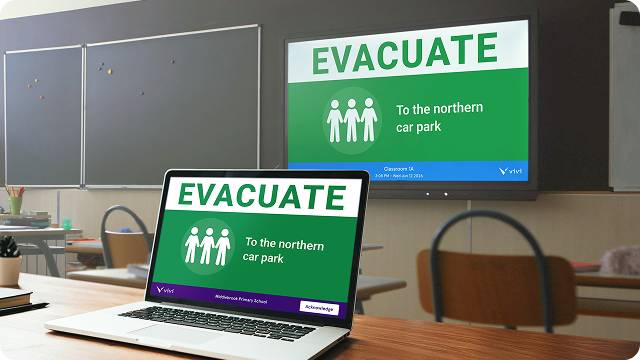
One of the key advantages of Vivi Emergency Alerts is its ability to integrate with systems schools may already have in place.
Depending on the school’s existing infrastructure, D.I.B Audio Visual can design and integrate Vivi with technologies such as:
- Public address (PA) systems
- Emergency lockdown and evacuation controls
- Security systems
- AV control platforms such as Extron or Crestron
- Classroom displays and digital signage
By connecting these technologies, schools can create a coordinated emergency communication process while continuing to use familiar procedures and protecting their existing technology investments.
Making Classroom Technology Work Harder
Many schools have already invested in classroom displays, interactive panels and projection systems to support teaching and learning.
Rather than investing in dedicated emergency display infrastructure, schools can extend the value of these existing displays by incorporating them into their emergency communication strategy. The same technology used every day for lessons, presentations and school communications can also support campus-wide emergency messaging when required.
With the right integration, these displays become part of a broader emergency communication workflow. During normal operation, they continue supporting classroom activities. If an emergency alert is triggered, compatible displays can automatically present the emergency notification as part of an integrated workflow before returning to normal operation once the alert has been cleared.
By enabling existing AV infrastructure to serve multiple purposes, schools can maximise the value of technology already deployed across campus without introducing a separate network of dedicated emergency displays.
Location-Based Emergency Notifications
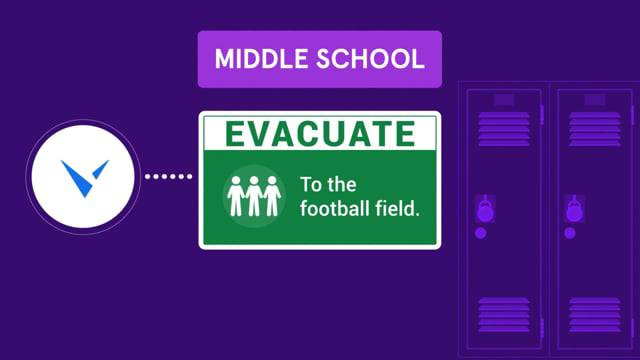
Not every emergency affects every part of a school in the same way.
Large campuses may require different instructions depending on which building occupants are in or where an incident occurs.
Vivi Emergency Alerts supports location-based notifications, allowing authorised users to send alerts to specific campuses or buildings when appropriate. This enables schools to display relevant instructions for each area rather than relying on a single campus-wide message.
Providing location-specific information can improve situational awareness, helping staff, students and visitors receive instructions that are relevant to their location and supporting a more effective emergency response.
Automation Through AV Control Systems
Where a school has an AV control platform, emergency communication can become even more automated.
For example, control systems such as Extron or Crestron can coordinate multiple actions during an emergency, including powering on compatible displays, selecting the correct input source and triggering Vivi Emergency Alerts.
In some classrooms, HDMI-CEC functionality may allow compatible displays to respond to control commands over the HDMI connection. While this can be suitable in certain environments, dedicated AV control systems generally provide greater reliability and flexibility for critical emergency communication workflows.
The right approach depends on the school’s existing technology, which is why every integration should be designed around the infrastructure already in place.
Supporting a More Connected Emergency Strategy
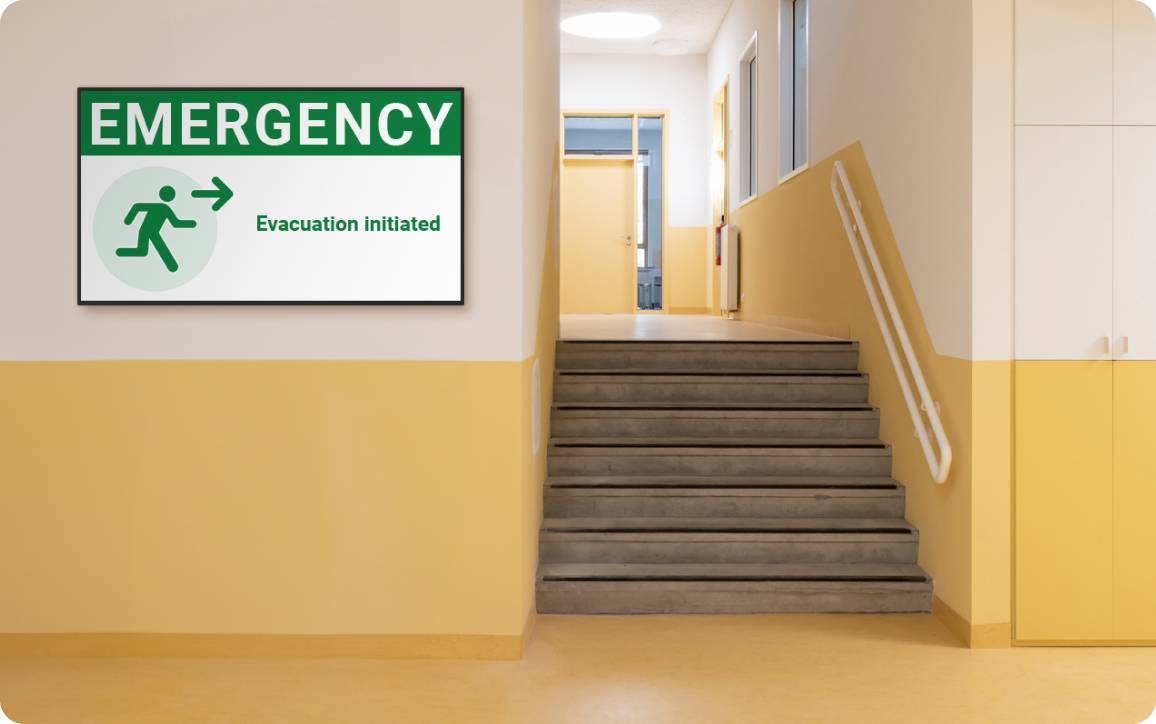
Technology cannot replace well-developed emergency procedures, staff training or regular drills. However, it can strengthen how those procedures are communicated when every second counts.
By combining public address systems, emergency management platforms, AV control systems and Vivi Emergency Alerts, schools can create a more comprehensive communication strategy that helps ensure important instructions are delivered consistently across campus.
Because every school has different buildings, technologies and emergency procedures, there is no one-size-fits-all emergency communication solution. A successful deployment begins with understanding how a school’s existing systems work together before determining the most appropriate integration approach.
At D.I.B Audio Visual, we work with schools across Victoria to design integrated AV solutions that fit each school’s existing technology environment. Whether it’s connecting Vivi Emergency Alerts with a public address system, security platform or AV control system, our goal is to help schools make the most of the technology they already have while strengthening campus-wide communication when it matters most.
If you’re considering Vivi Emergency Alerts or would like to explore how it could integrate with your existing AV, PA or security systems, our team can help you assess your existing systems and design an integration that suits your school’s requirements. Contact D.I.B Audio Visual at info@dibaustralia.com.au or 03 9457 4800 to discuss a solution tailored to your school’s requirements.